How to Choose a Gaming Laptop 2024: Your Ultimate Buying Guide
how to choose a gaming laptop 2024

How to Choose a Gaming Laptop 2024: Your Ultimate Buying Guide

Navigate the complex world of gaming laptops and secure the ideal machine to dominate your favorite titles this year.

Find Your Perfect Gaming Rig

Key Takeaways

  • ✓ GPU is the most critical component for gaming performance.
  • ✓ CPU, RAM, and Storage balance performance and budget.
  • ✓ Screen quality (refresh rate, resolution) significantly impacts experience.
  • ✓ Battery life is generally secondary for gaming laptops; portability varies.

How It Works

1
Assess Your Gaming Needs & Budget

Determine which games you plan to play (e.g., AAA titles, esports) and establish a realistic budget. This forms the foundation for component selection.

2
Prioritize Key Components

Focus on the GPU first, then CPU, RAM, and storage, in that order of importance for gaming. These components dictate raw performance.

3
Evaluate Display and Features

Consider screen size, resolution, and refresh rate for an immersive experience. Don't overlook keyboard quality, cooling, and port selection.

4
Read Reviews and Compare Models

Consult independent reviews and benchmarks for real-world performance data. Compare several models that fit your criteria before making a final decision.

Understanding Core Components: The Heart of Your Gaming Machine

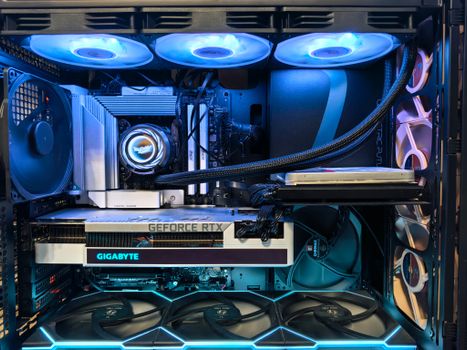
A sleek and modern CPU cooler with cables displayed against a vibrant yellow backdrop. Photo: Andrey Matveev / Pexels
Choosing the right gaming laptop in 2024 starts with a deep dive into its core components. Unlike a standard laptop, a gaming machine's power is dictated by a specific hierarchy of hardware, with the Graphics Processing Unit (GPU) reigning supreme. The GPU is responsible for rendering the complex visuals of modern games, and its performance directly correlates to the frame rates you'll achieve and the graphical settings you can comfortably run. For 2024, NVIDIA's RTX 40-series (e.g., RTX 4060, 4070, 4080, 4090) and AMD's Radeon RX 7000 series (e.g., RX 7600S, 7700S, 7800S) are the dominant players. When evaluating GPUs, pay close attention to the TGP (Total Graphics Power) or TGP wattage, which indicates how much power the manufacturer allows the GPU to draw. A higher TGP generally means better performance, even for the same GPU model. A laptop with an RTX 4070 at 140W will outperform one with an RTX 4070 at 80W, for instance. Don't be fooled by just the model number; wattage matters significantly. Next in line is the Central Processing Unit (CPU). While the GPU handles graphics, the CPU is crucial for everything else: game logic, AI, physics, and managing other background processes. For 2024, Intel's 13th and 14th Gen Core i7/i9 processors (e.g., i7-13700HX, i9-14900HX) and AMD's Ryzen 7000 series (e.g., Ryzen 7 7745HX, Ryzen 9 7945HX) offer excellent gaming performance. While a high-end CPU is beneficial, an i5 or Ryzen 5 from the latest generations can still offer very capable gaming experiences, especially if paired with a strong GPU. Overspending on a CPU at the expense of a better GPU is a common mistake for gamers. Aim for a balanced system where the CPU doesn't bottleneck the GPU. Consider your future use cases; if you plan on streaming or heavy content creation alongside gaming, a more powerful CPU becomes more justifiable. Always check benchmarks for the specific CPU-GPU combination you're considering, as real-world performance can vary. Understanding laptop benchmarks can be incredibly helpful here. Remember, the goal is not just raw power, but balanced power for your specific gaming needs and budget.

Display, Memory, and Storage: Enhancing Your Gaming Experience
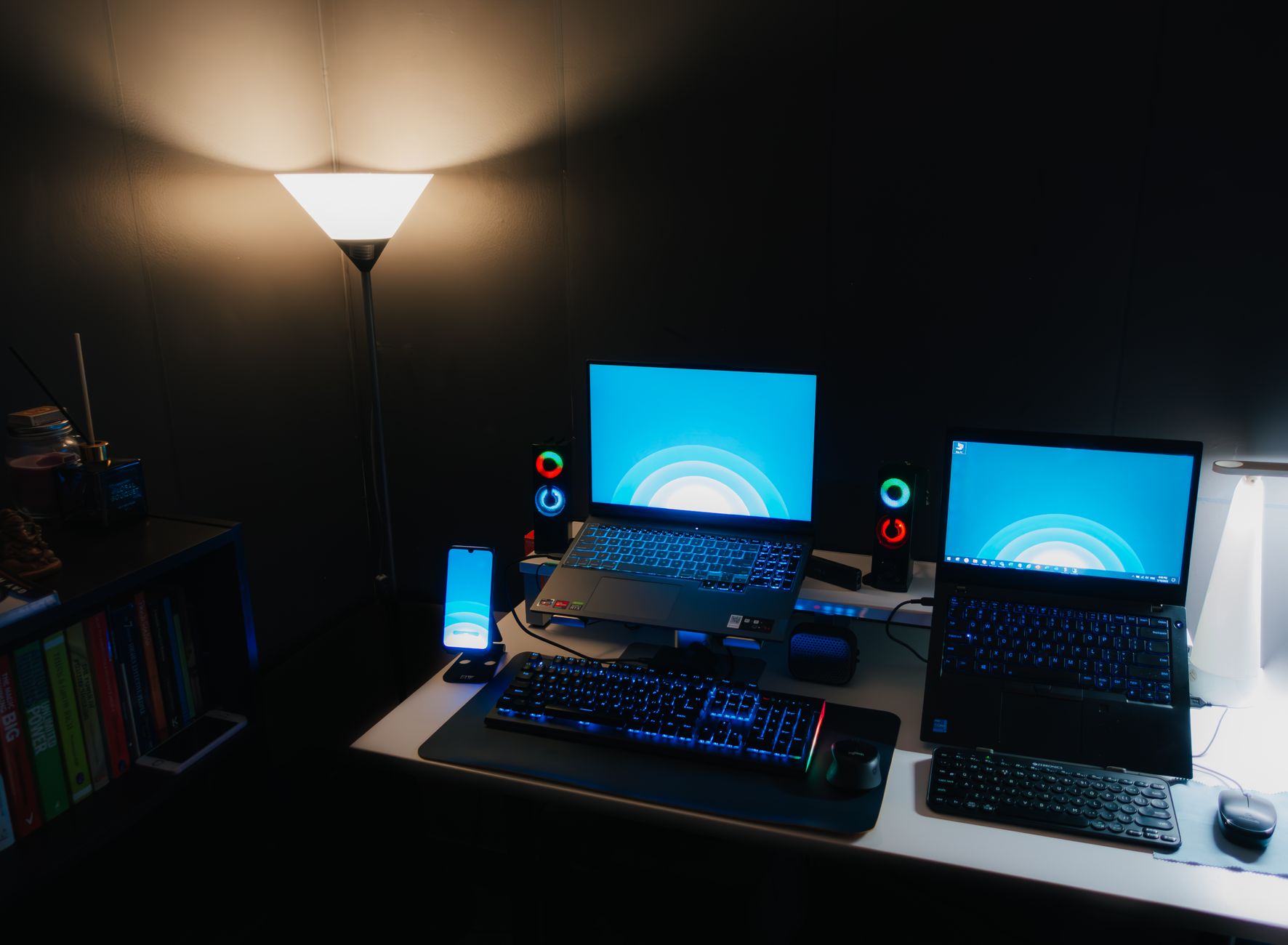
Nighttime office desk setup with laptops, illuminated keyboard, and ambient lighting. Photo: Pramod Tiwari / Pexels
Beyond the core processing units, the display, memory (RAM), and storage solutions play pivotal roles in the overall gaming experience. A high-quality display can transform your gameplay, making visuals pop and movements feel smoother. For gaming laptops in 2024, look for panels with high refresh rates – 120Hz, 144Hz, 165Hz, or even 240Hz are common. A higher refresh rate means more frames per second can be displayed, resulting in a significantly smoother and more responsive gaming experience, especially in fast-paced titles like esports games. Alongside refresh rate, consider resolution. While 4K displays offer stunning clarity, they are incredibly demanding on the GPU, often leading to lower frame rates unless you have a top-tier graphics card. Many gamers find a 1440p (QHD) display to be the sweet spot, offering a noticeable upgrade from 1080p without the extreme performance hit of 4K. Response time (measured in milliseconds) is another factor; lower is better, typically 3ms or 5ms is excellent for gaming. Finally, look for features like G-Sync or FreeSync, which synchronize the display's refresh rate with the GPU's output, eliminating screen tearing and stuttering for an even smoother visual experience. Random Access Memory (RAM) is critical for multitasking and loading game assets quickly. For gaming in 2024, 16GB of DDR5 RAM is considered the minimum standard. While 8GB might suffice for older titles, modern AAA games often demand more, and having 16GB ensures smooth performance and allows you to run background applications without issues. If your budget allows, 32GB can provide even more headroom for future-proofing, especially if you plan on streaming, video editing, or running multiple demanding applications simultaneously. DDR5 RAM offers faster speeds and improved efficiency compared to older DDR4, so prioritize it if possible. Most gaming laptops allow for RAM upgrades, but it's often more cost-effective to buy with the desired amount initially. Storage is equally important for game loading times and overall system responsiveness. Solid State Drives (SSDs) are now a non-negotiable for gaming laptops. NVMe PCIe SSDs are the fastest option, significantly reducing game load times and boot times compared to older SATA SSDs or traditional Hard Disk Drives (HDDs). Aim for at least a 512GB NVMe SSD. However, with modern game installations often exceeding 100GB, a 1TB NVMe SSD is highly recommended to accommodate a decent library of games without constantly uninstalling and reinstalling. Some laptops offer dual storage options (e.g., a smaller NVMe for the OS and a larger SATA SSD or HDD for games), but a single large NVMe drive is generally preferable for speed and simplicity. Consider upgradeability – some laptops have an extra M.2 slot allowing you to add more storage later.

Cooling, Keyboard, and Connectivity: The Unsung Heroes of Performance

While raw power from the GPU and CPU is paramount, the effectiveness of the cooling system, the quality of the keyboard, and the range of connectivity options are often overlooked yet critically important aspects when you want to know how to choose a gaming laptop 2024. A powerful gaming laptop generates significant heat, and an inadequate cooling system can lead to thermal throttling, where the CPU and GPU reduce their clock speeds to prevent overheating. This directly translates to decreased performance and lower frame rates, negating the benefits of powerful hardware. Look for laptops with robust cooling solutions, often featuring multiple fans, larger heatsinks, and strategically placed vents. Reading reviews that specifically address thermal performance under sustained load is crucial. Some manufacturers also offer software utilities that allow you to customize fan curves or switch between performance modes, which can be useful for managing heat and noise. Keep in mind that even the best cooling systems can get loud under heavy gaming, so headphones are often a gamer's best friend. The keyboard is your primary interface with the game, so its quality cannot be underestimated. A good gaming laptop keyboard should offer comfortable key travel, satisfying tactile feedback, and anti-ghosting capabilities (allowing multiple key presses to be registered simultaneously). Per-key RGB backlighting is a popular feature, allowing for customization and improved visibility in low light, but its presence doesn't necessarily indicate a superior typing experience. Some laptops feature mechanical or optical switches, offering a more premium feel similar to desktop gaming keyboards. Test the keyboard if possible, or rely on detailed reviews that cover typing feel and key layout. The trackpad is less critical for gaming (as most gamers use an external mouse), but a decent one is appreciated for general use. Connectivity is another vital consideration. Ensure the laptop has a good selection of ports to accommodate your peripherals. USB-A ports (preferably USB 3.2 Gen 1 or Gen 2) are essential for mice, keyboards, and external drives. USB-C with Thunderbolt 4 (for Intel systems) or USB 4 (for AMD systems) offers versatile, high-speed connectivity for external displays, docking stations, and fast storage. An HDMI or DisplayPort output is necessary for connecting to an external monitor, which many gamers prefer for a larger, more immersive experience. Ethernet (RJ45) is highly recommended for stable, low-latency online gaming, even if you primarily use Wi-Fi. Speaking of Wi-Fi, look for Wi-Fi 6E for the latest, fastest wireless connectivity. Bluetooth 5.2 or newer is also standard for connecting wireless headsets and controllers. Optimizing your gaming setup often involves leveraging these connectivity options to their fullest. Don't forget the webcam and microphone if you plan on streaming or video conferencing, as their quality can vary significantly between models.

Budgeting, Portability, and Common Pitfalls to Avoid

Setting a realistic budget is perhaps the most critical first step in your journey to choose a gaming laptop 2024. Gaming laptops span a wide price range, from entry-level models around €800-€1000 to high-end powerhouses exceeding €3000-€4000. Your budget dictates the performance tier you can aim for. Entry-level machines typically feature GPUs like the RTX 3050/4050 or RX 6600M/7600S, suitable for 1080p gaming at medium-to-high settings. Mid-range laptops (€1500-€2500) often pack RTX 4060/4070 or RX 7700S/7800S, offering excellent 1080p/1440p performance. High-end laptops (€2500+) feature RTX 4080/4090 or RX 7900M, delivering top-tier 1440p/4K gaming. Be wary of deals that seem too good to be true; sometimes they come with older generation components or significantly lower TGP GPUs. Portability is another factor that varies greatly. While some gaming laptops are designed to be relatively thin and light (often sacrificing some cooling efficiency or raw power), many are bulky and heavy. Consider how often you'll be moving your laptop. If it's primarily a desktop replacement, weight and battery life are less critical. However, if you need to carry it to classes or work, a lighter model with a decent battery might be a better fit, even if it means a slight compromise on peak performance. Battery life on gaming laptops is generally poor, especially during gaming, so expect to be tethered to a power outlet for serious sessions. **Common Pitfalls to Avoid:** * **Prioritizing CPU over GPU:** As discussed, the GPU is king for gaming. A powerful CPU with a weak GPU is a bad gaming laptop. * **Ignoring TGP:** A high-end GPU model number means little if its TGP is severely limited by the manufacturer. Always check the wattage. * **Skimping on RAM/SSD:** 8GB RAM is insufficient for modern gaming, and a small, slow SSD will lead to frustrating load times. * **Neglecting Cooling:** A poor cooling system will throttle performance and shorten your laptop's lifespan. * **Overlooking Display Quality:** A low refresh rate or poor color accuracy can diminish the gaming experience, even with powerful internals. * **Buying without research:** Always read multiple reviews and watch benchmarks for the specific model you're considering. Don't rely solely on manufacturer claims. * **Forgetting about upgradeability:** While not all components are upgradable, knowing if you can add more RAM or storage later can save you money down the line.

Comparison

FeatureBest OptionAlternative 1Alternative 2
GPUNVIDIA RTX 4080/4090 (150W+)NVIDIA RTX 4070 (100W+)AMD Radeon RX 7700S/7800S
CPUIntel Core i9-14900HX / AMD Ryzen 9 7945HXIntel Core i7-13700HX / AMD Ryzen 7 7745HXIntel Core i5-13600HX / AMD Ryzen 5 7640HS
RAM32GB DDR5 5600MHz+16GB DDR5 5200MHz+16GB DDR4 3200MHz (budget)
Storage1TB NVMe PCIe Gen4 SSD (2nd slot available)512GB NVMe PCIe Gen4 SSD512GB NVMe PCIe Gen3 SSD
Display1440p @ 165Hz+ (IPS, G-Sync/FreeSync)1080p @ 144Hz+ (IPS)1080p @ 120Hz (TN/VA)
CoolingAdvanced multi-fan vapor chamberDual-fan, multiple heat pipesBasic dual-fan system
ConnectivityThunderbolt 4, Wi-Fi 6E, 2.5G EthUSB-C (DisplayPort), Wi-Fi 6, 1G EthUSB 3.0, Wi-Fi 5, 1G Eth
KeyboardMechanical/Optical, Per-key RGBTactile membrane, Zone RGBBasic membrane, Single-zone RGB

What Readers Say

"This guide was exactly what I needed to choose a gaming laptop in 2024. The detailed breakdown of TGP and cooling saved me from making a huge mistake with my purchase. My new laptop runs like a dream!"

Markus S. · Berlin, DE

"As a first-time gaming laptop buyer, I felt overwhelmed. This article clarified everything, especially the GPU vs. CPU priority. I now have a machine perfectly suited for my esports titles."

Lena K. · Hamburg, DE

"Following the advice on display refresh rates and SSDs, I ended up with a laptop that offers incredibly smooth gameplay and super fast load times. My K/D ratio has definitely improved!"

Jonas P. · Munich, DE

"The guide was very comprehensive, though I wish it had a bit more on specific brand recommendations. Still, the component breakdown was invaluable for understanding what to look for."

Sophie W. · Frankfurt, DE

"I used this guide to select a gaming laptop for both work and play. The sections on CPU importance for content creation and port selection were extremely helpful for my hybrid use case."

David R. · Cologne, DE

Frequently Asked Questions

What is the single most important component when choosing a gaming laptop in 2024?

The Graphics Processing Unit (GPU) is by far the most crucial component for gaming performance. It dictates the frame rates and graphical fidelity you can achieve. Prioritize a powerful GPU with a high TGP (Total Graphics Power) over other components if gaming is your primary concern.

Will a gaming laptop run hot?

Yes, gaming laptops are designed to push powerful components in a compact space, which generates significant heat. A good cooling system is essential to manage this heat, prevent thermal throttling, and maintain optimal performance. Expect fans to get loud under heavy load.

How much RAM do I need for a gaming laptop in 2024?

For modern gaming in 2024, 16GB of DDR5 RAM is the recommended minimum. This ensures smooth performance across most AAA titles and allows for multitasking. If your budget allows or you plan on streaming/content creation, 32GB provides even more future-proofing and headroom.

Are gaming laptops expensive?

Gaming laptops can range from moderately expensive to very high-end. Entry-level models start around €800-€1000, while top-tier machines can exceed €3000-€4000. The price directly correlates with the power of the internal components and premium features like display quality and cooling.

How do gaming laptops compare to gaming desktops?

Gaming desktops generally offer better performance-for-money, easier upgradeability, and superior cooling compared to gaming laptops. Laptops, however, provide portability. If portability is a must, a gaming laptop is the way to go; otherwise, a desktop often provides more bang for your buck.

Who should buy a gaming laptop?

A gaming laptop is ideal for individuals who require the ability to play modern games on the go, whether for travel, moving between locations, or simply needing a powerful machine that doesn't take up a lot of space. It's perfect for students, frequent travelers, or those with limited desktop space.

Is it safe to game on a laptop for long periods?

Yes, gaming laptops are built for sustained gaming sessions. However, ensuring proper ventilation (not blocking vents), using a cooling pad if needed, and keeping the laptop on a hard, flat surface can help maintain optimal temperatures and prolong its lifespan.

What are the future trends for gaming laptops?

Future trends for gaming laptops include continued advancements in AI-powered upscaling technologies (like DLSS and FSR), more efficient and powerful mobile GPUs/CPUs, improved cooling solutions allowing for thinner designs, and potentially more widespread adoption of OLED or Mini-LED displays for superior visual quality.

Ready to elevate your gaming experience? Use this comprehensive guide on how to choose a gaming laptop 2024 to make an informed decision. Your perfect portable powerhouse awaits – start your journey to epic gameplay today!

Topics: how to choose a gaming laptop 2024gaming laptop buying guidebest gaming laptopgaming laptop specsgaming laptop budget
Leo List
Brampton weed
Adultwork